Giga Extension
Updating the Giga Extension
How to update the Giga VS Code extension to the latest version
Follow these steps to make sure you are on the latest version of the Giga Extension:
- Press Cmd/Ctrl + Shift + P, type "Extensions" and select "Check for Extension Updates".
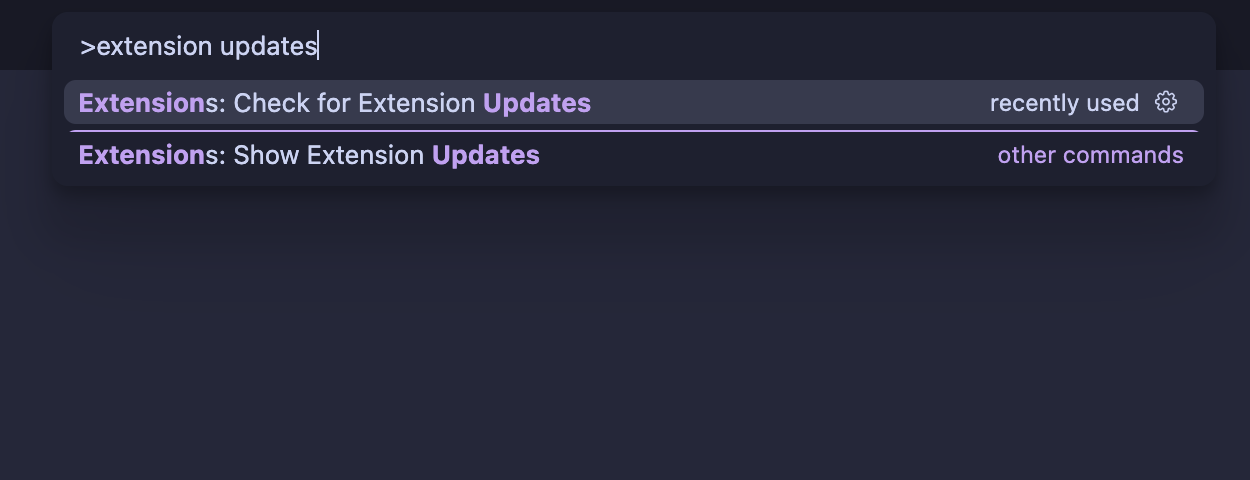
-
Press Cmd/Ctrl + Shift + X to open the Extensions view, then search for "Giga".
-
Open the Giga extension page and confirm it is on the latest version (update if available).